

PAT Visit Preparation: Keep Testing Running Smoothly

A PAT testing visit should not mean closing an office for the day, cancelling appointments or asking staff to hunt for chargers at the last minute. Good PAT visit preparation makes the process quicker for everyone, helps your technician reach all relevant equipment and leaves you with clearer safety records.
For most businesses, the aim is simple: have portable electrical equipment tested with as little interruption as possible. A little planning beforehand can make a noticeable difference, particularly in busy offices, schools, healthcare settings, workshops and shared buildings.
What a PAT testing visit involves
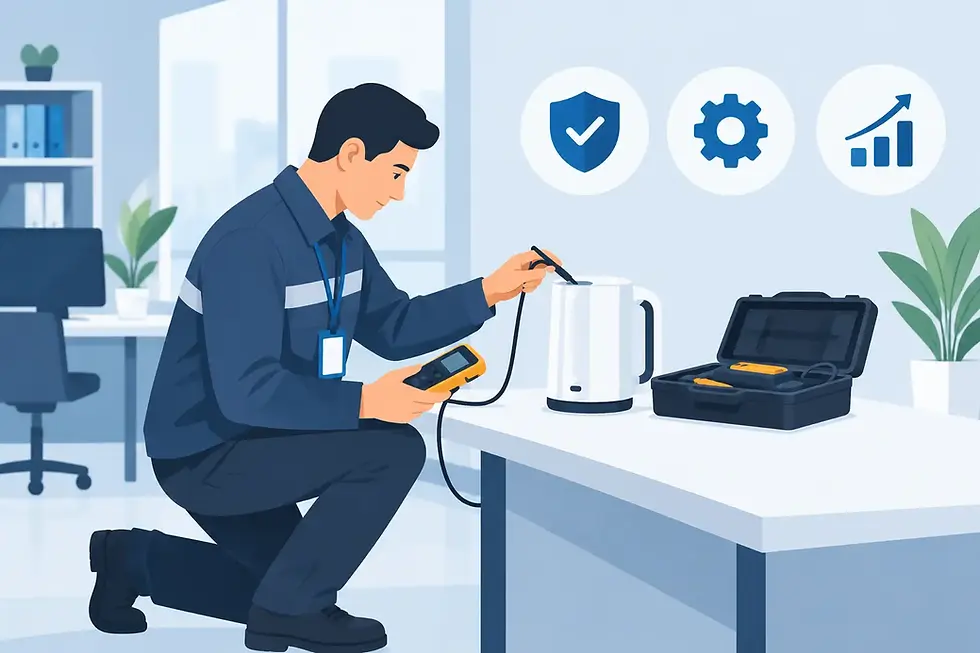
Portable Appliance Testing combines visual checks with electrical tests where appropriate. The technician checks the appliance, its plug, cable and any visible signs of damage, then records the result against the item. Passed appliances are normally labelled, while failed items are clearly identified so they can be removed from use, repaired or replaced.
The time required depends on the number and type of appliances, how easy they are to access and whether equipment is spread across several rooms or sites. A row of accessible office monitors and leads can be tested efficiently. Equipment stored in cupboards, used by home workers or located behind fixed furniture will naturally take longer to locate and assess.
The best preparation is not about making the workplace look perfect. It is about giving the technician safe, sensible access and ensuring the people responsible for the premises know what will be tested.
Start with a sensible equipment list
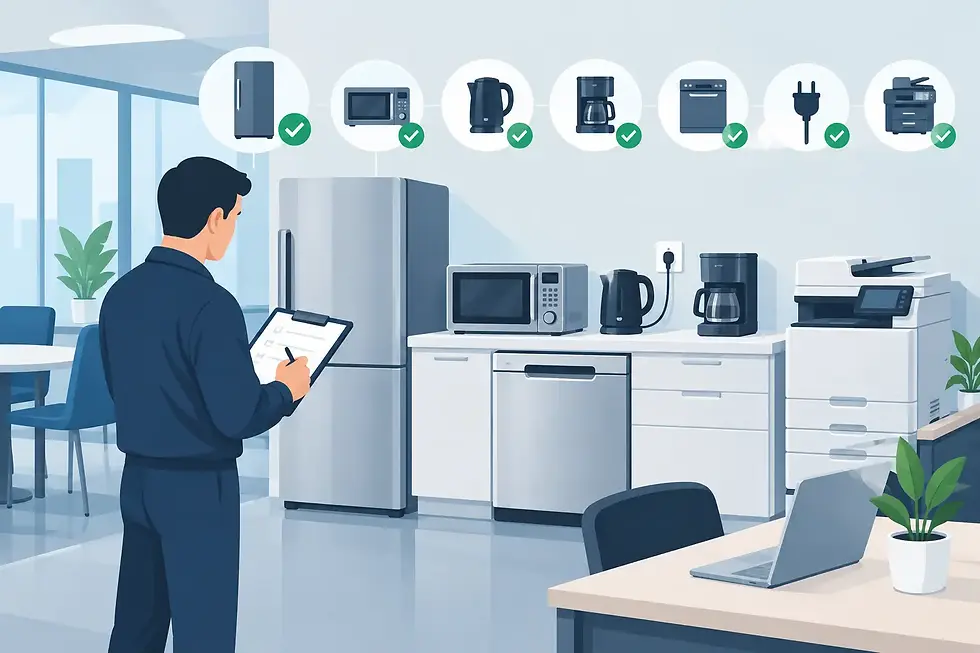
You do not need a flawless asset register before booking, but a basic list is useful. Walk through the premises and note the types of portable equipment in use. This could include computers, monitors, printers, extension leads, mobile phone chargers, kettles, fans, power tools, cleaning equipment and kitchen appliances.
Pay particular attention to items that are easy to overlook. Extension leads, multiway adaptors, spare chargers, equipment in meeting rooms, items in staff kitchens and appliances stored for occasional use all need consideration. If an item plugs into the mains and can be moved, it may need to be included in your testing programme.
A list also helps you obtain a more accurate quotation. It does not need to be technical. A rough count by area, such as “25 office desks, two printers, six kitchen items and 10 extension leads”, is often enough for a provider to plan properly.
Include equipment away from desks
Many missed appliances are not in the main work area. Check reception desks, comms cupboards, store rooms, cleaners’ cupboards, staff rooms, workshops and maintenance areas. For landlords and managed premises, think about communal areas and any equipment supplied as part of the tenancy.
Home-working equipment needs a separate decision. Employers may have a policy covering company-issued items used at home, but access and practical arrangements differ from site-based testing. Discuss this before the appointment rather than assuming every item can be tested on the day.
Make equipment accessible before the appointment
Access is usually the biggest factor in keeping a visit efficient. Ask staff to leave laptops, chargers and other desk equipment available on the agreed day. Where possible, move small appliances away from tight spaces and make sure plugs can be reached without unsafe stretching, lifting or moving heavy furniture.
There is no need to unplug everything hours in advance unless you have been asked to do so. In fact, equipment left connected but easy to reach can help staff continue working until it is their turn. Your technician can advise on the best approach for the layout of your workplace.
For equipment that cannot be switched off during normal hours, such as servers, critical medical equipment, security systems or essential machinery, flag it in advance. Some items may need a planned shutdown, a different test method or a separate appointment. Testing should never be allowed to create an avoidable operational risk.
If your premises are busy, allocate a contact person who can help identify equipment, open locked rooms and answer straightforward questions. This prevents delays when a technician finds an unlabelled mobile phone charger or cannot access a cupboard containing shared appliances.
Tell staff what to expect
A short message to employees a few days before the visit avoids confusion. Explain the date, the areas being tested and whether they need to make equipment available. Remind them not to hide personal mobile phone chargers, desk fans or extension leads simply because they are unsure whether they count.
Staff should also know that a failed item is not a criticism of them. Cables wear, plugs become damaged and appliances can develop faults without obvious warning. The right response is to remove unsafe equipment from use and decide whether repair or replacement is the sensible option.
In customer-facing settings, timing matters. A GP practice may prefer quieter periods between clinics, while a school may need testing arranged outside teaching hours. Offices, shops and charities may find early morning, evening or weekend appointments more practical. Flexible scheduling is often the simplest way to minimise disruption rather than trying to force testing around a full working day.
Clear the small obstacles that slow testing down
A tidy site is safer and faster to work in, but this does not call for a major clear-out. Focus on practical obstacles: blocked sockets, tangled cables under desks, stacked boxes in front of cupboards and appliances buried in storage.
It is also worth checking that equipment has not been moved between sites without records being updated. An asset label is only useful when it relates to the appliance in front of the technician. If your business has recently moved offices, expanded into another unit or reorganised desks, mention this when arranging the visit.
Where appliances already have old labels, leave them in place. They can help identify previous test dates and assets. Your technician can update the records and apply new labels as required. Branded appliance labels can be particularly useful where several teams share equipment or where facilities staff need to see an item’s status quickly.
Prepare the right site information
Before the day, confirm arrival arrangements, parking, site access and any security or sign-in requirements. This is especially helpful for schools, healthcare premises, managed offices and industrial sites. A technician who can enter promptly and begin work in the right area is less likely to overrun the planned slot.
Let the testing provider know about any relevant site rules. This may include safeguarding procedures, PPE requirements, restricted areas, lone-working rules or times when noise and interruption must be kept to a minimum. Good PAT testing is not just about the readings on a tester. It also means working safely and respectfully within your environment.
If you have previous reports or an existing asset list, keep them available. They are helpful but not essential. A qualified technician can still create a clear record for a site that has never had formal testing documentation before.
Know what happens if an item fails
Not every failed appliance needs replacing. A damaged plug top, loose cable grip or worn lead may be repairable, while a more serious fault may mean the item should be disposed of and replaced. The appropriate action depends on the appliance, the fault found, the cost of repair and the risk of putting it back into service.
What matters is having a clear process. Failed equipment should be taken out of use promptly and not returned to a desk or cupboard where someone might plug it in again. Your report should make it clear which items passed, which failed and what action is needed, without leaving you to interpret technical abbreviations.
PAT testing is one part of electrical safety management, not a substitute for regular visual checks or sensible staff reporting. If a cable is damaged or a plug is overheating, it should be removed from use immediately, even if its next test date is months away.
Keep your records useful after the visit
The value of a testing visit continues after the technician leaves. Keep the certificate, appliance report and any failure information with your wider health and safety records. These documents can support internal checks, insurance queries, landlord responsibilities and audit preparation.
Set a reminder for the next review date, but avoid treating annual testing as an automatic rule for every environment. Suitable testing intervals depend on the type of equipment, how often it is moved, who uses it and the setting in which it operates. A low-risk office computer is different from a frequently used workshop tool or a heavily used appliance in a communal kitchen.
Pax Animi PAT Testing provides clear reporting and renewal reminders so local organisations can stay on top of their records without unnecessary admin. If your needs change during the year, such as opening a new office or buying equipment for additional staff, add those items to your records rather than waiting for the next planned visit.
A well-prepared PAT testing appointment is not about creating more work for your team. It is about making a necessary safety task calm, organised and proportionate. Choose a convenient time, make appliances accessible and keep one person available to help on the day, then you can get back to running your workplace with the reassurance that your records are in order.
Comments